Other Library Nodes
Errant Biomes comes with library of helper nodes for common operations.
You can find them under Biomes category.
Flatness check
Flatness check node allows you find areas of terrain with limited height variation.
This is useful to ensure suitable terrain when spawning large meshes from species
To use it
- Add
Landscape Heightto your material mask material parameters. - Specify the name of the texture object parameter.
- Create texture object parameter in the material with name from previous step.
- Set FallbackMask as default texture in that texture object paramter.
- Add it as height to the
FlatnessChecknode.
For slower but more precise calculations on the edges of generation components enable Include Neighbors in both the material parameter and in the material function parameters.
Noise
You can find Noise node in Biomes category.
It's just a material function wrapper around Unreal built-in noise node but has better defaults for use with Biome Material Masks.
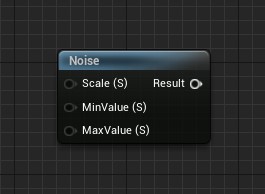
Note: It's best to just play-around with the preview enabled to get an intuition for it.
Height
You can access landscape height using Height node in the Biomes category
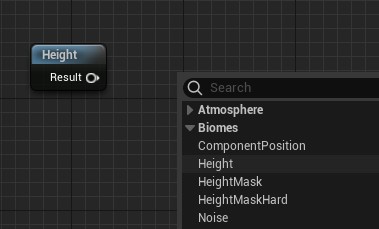
With smooth gradient
For height based mask from height you can use HeightMask node from the Biomes category.
To get values for MinHeight and MaxHeight you can use some Actor on the level as reference.
You could for example just place boxes and copy their Location Z values.
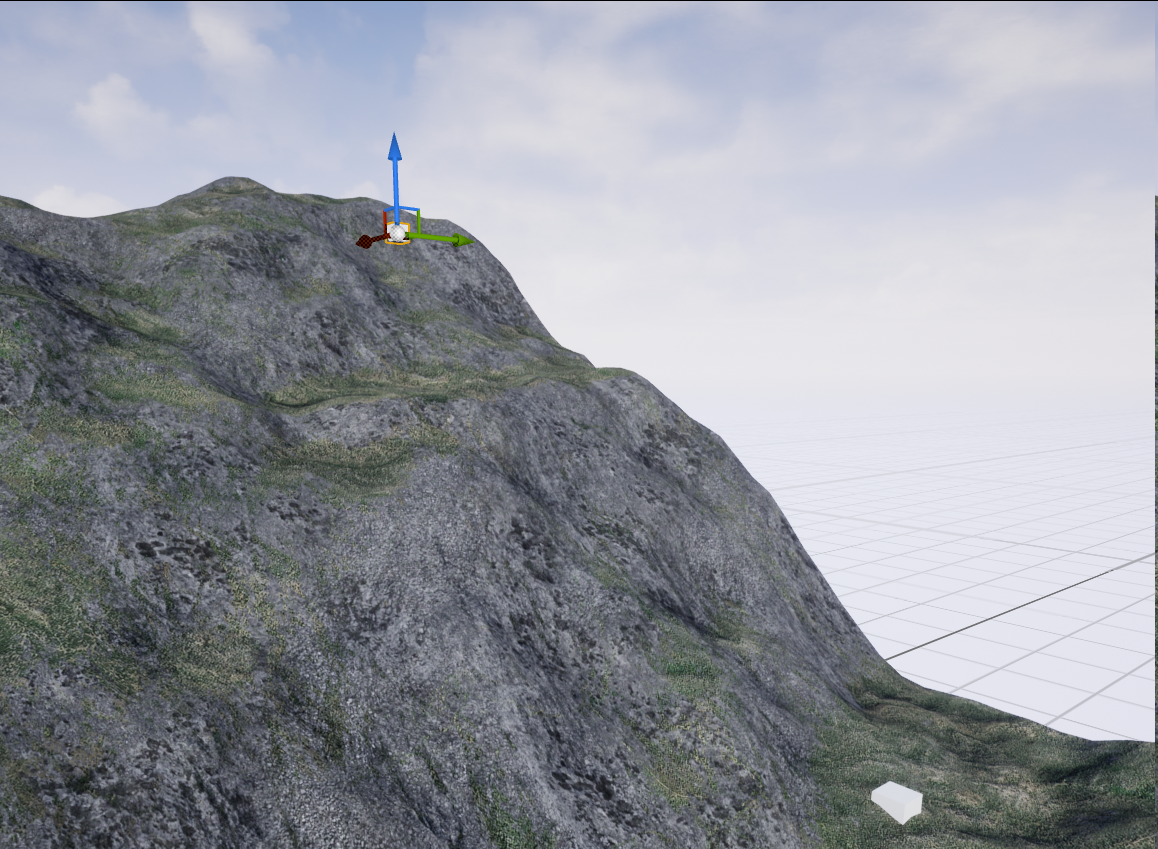
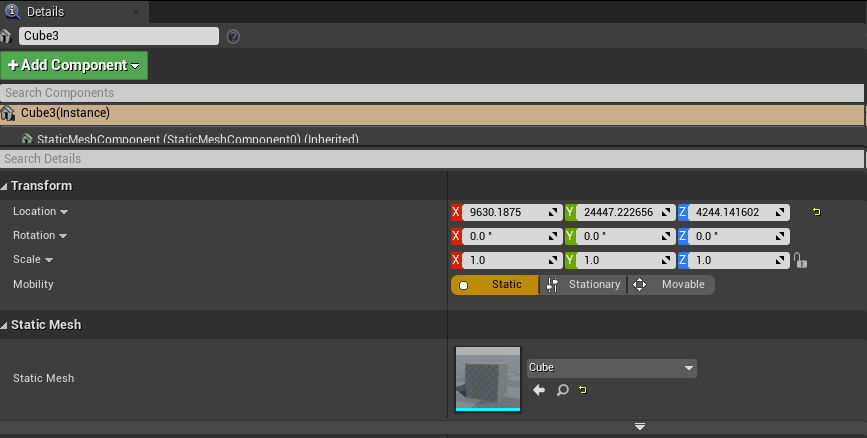
Doing that gives you 0 to 1 gradient between the altitudes of these two locations.
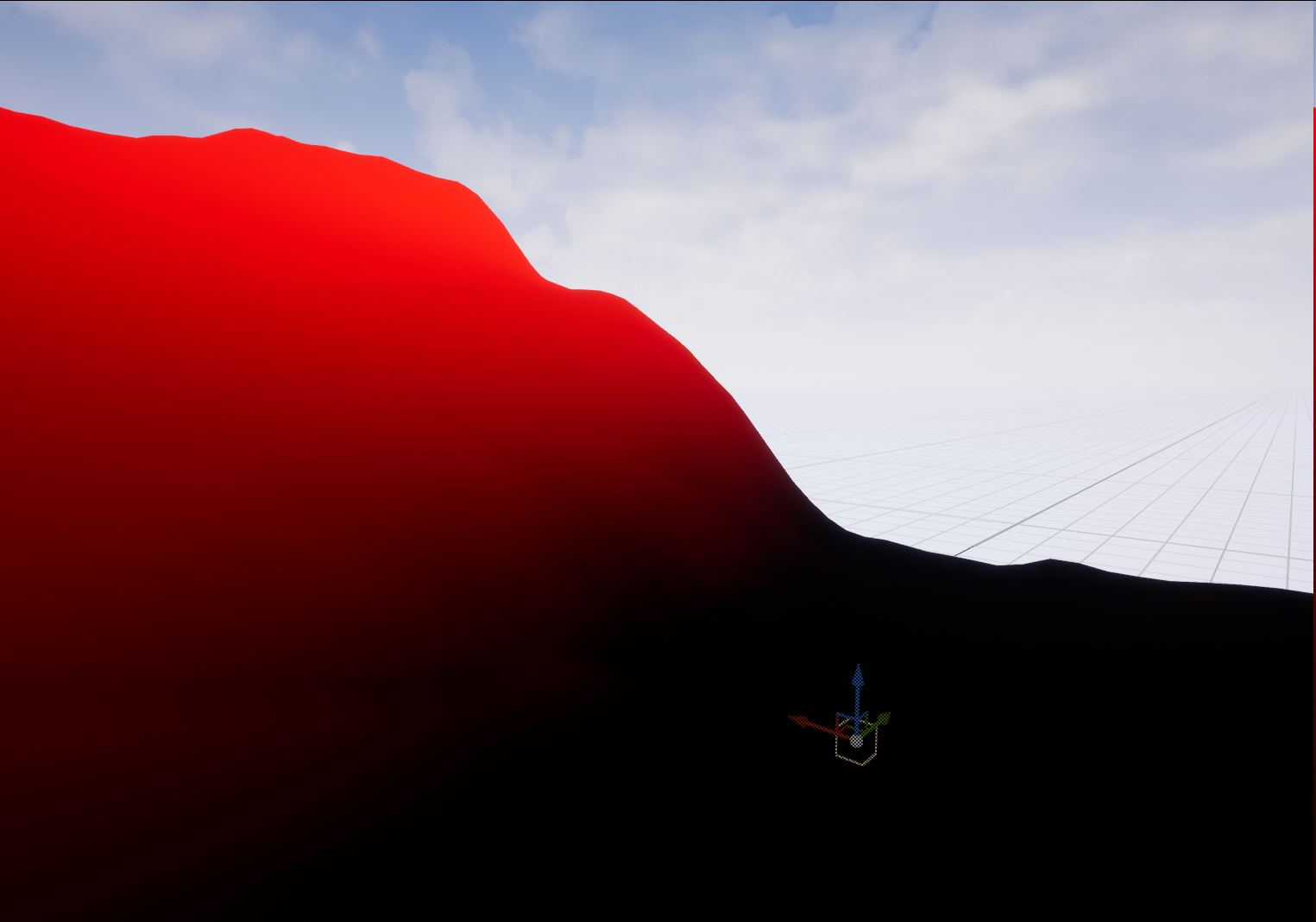
With hard cutoff
If you want to have hard transition at some altitude you can use HeightMaskHard node from the Biomes category.
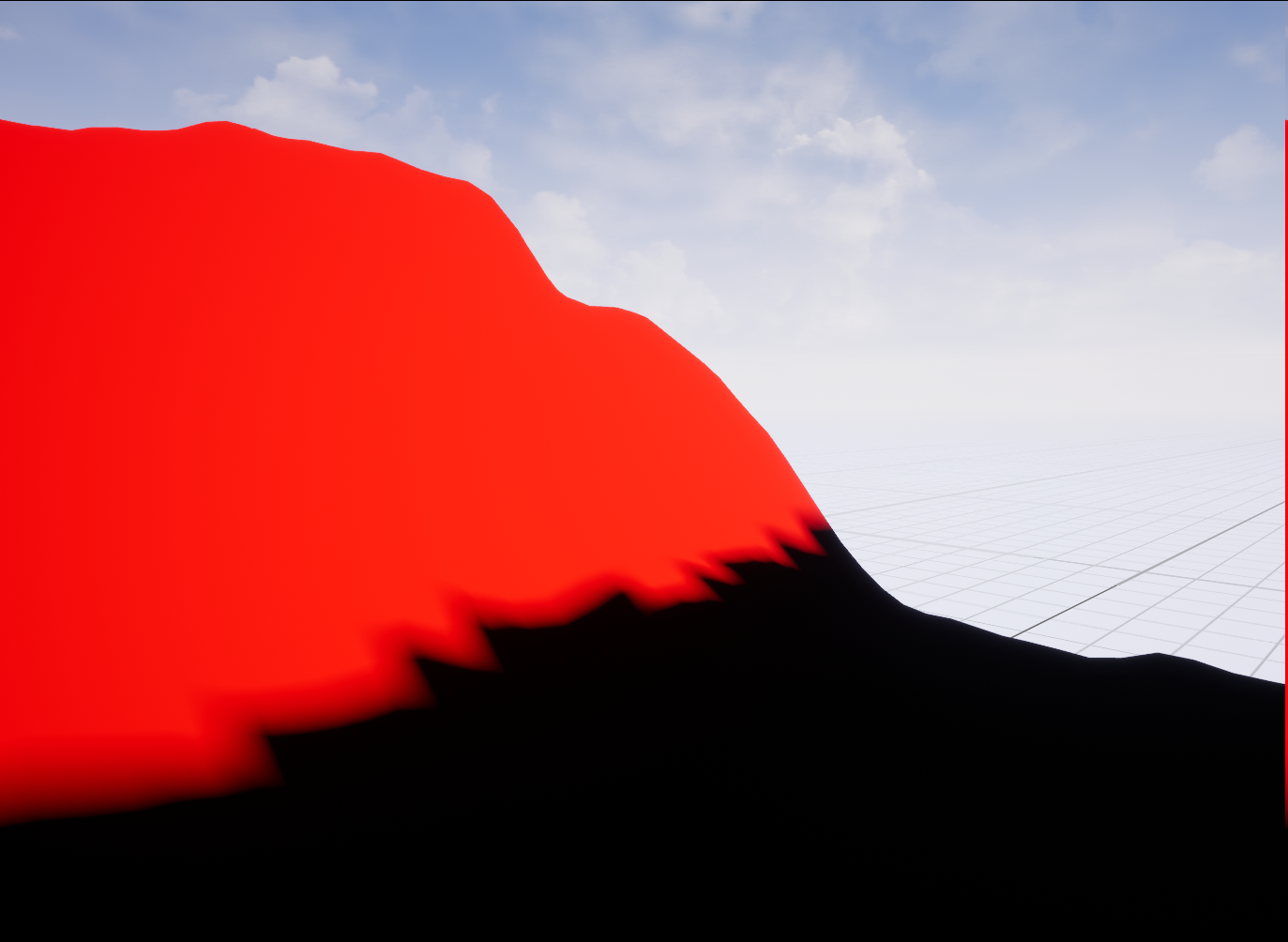
Slope
You can get a slope angle of the landscape using the Slope node from the the Biomes category.
Slope node outputs values in 0 to 1 range, where 1 means the slope of 90 degrees (vertical cliff).
The returned value may not change linearly with the slope. Beacuse of that an output value of 0.05 doesn't mean 5% of 90 deg.
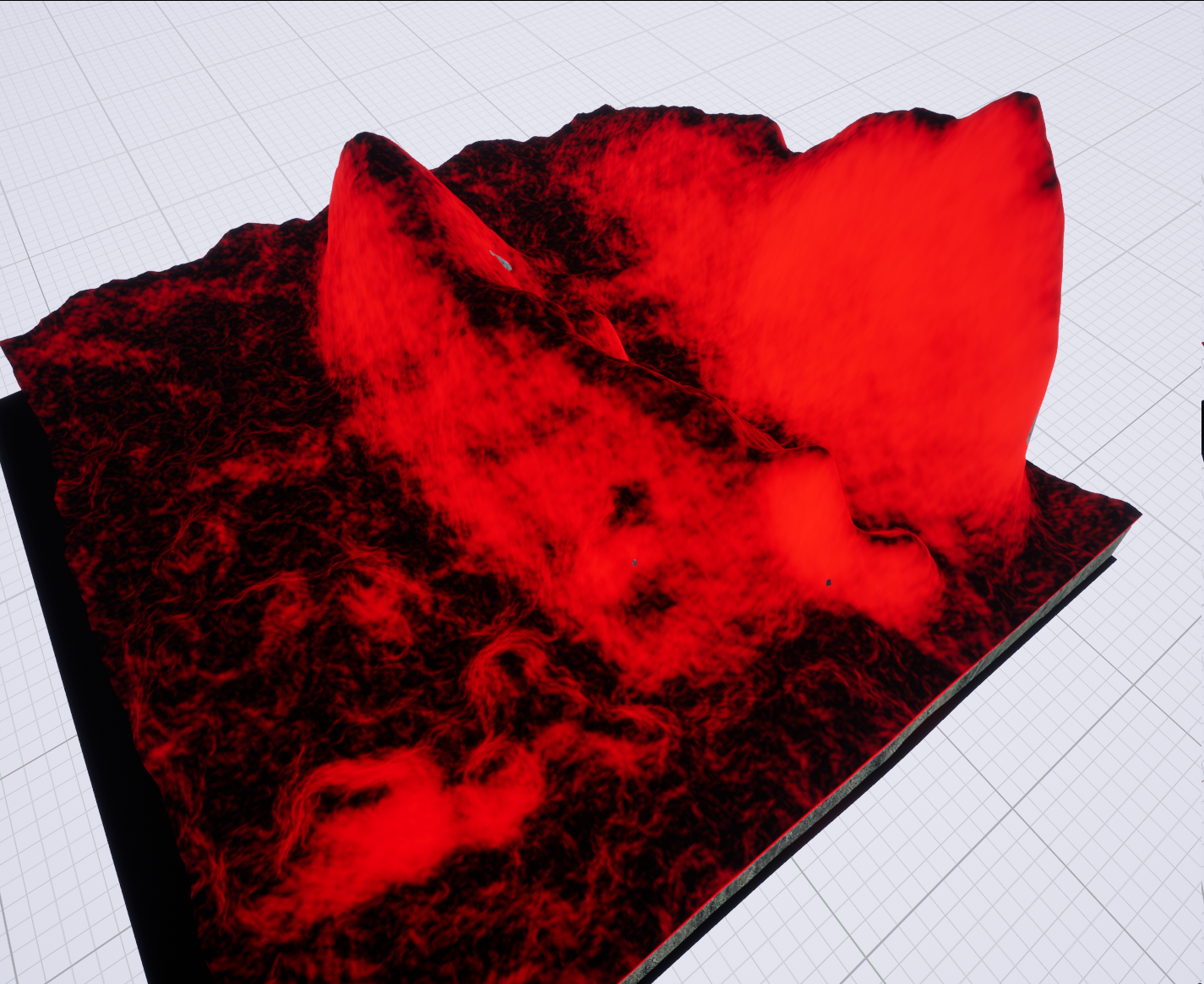
You can set the MinSlope and MaxSlope inputs to control its 0 to 1 range.
If you'd like to have values lower then 20 degrees to output 0 you would set MinSlope to 0.222(20 / 90). Now the Slope node outputs 0 to 1 values from 20 degrees to 90 degrees.
Slope With Fade
We also include a slope node variant that has additional controls for smoother falloff.
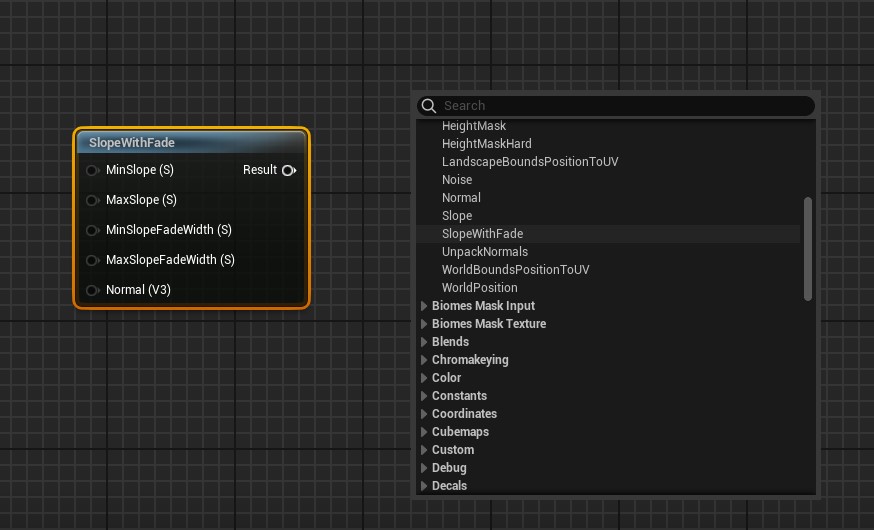
UVs for sampling with neighbors info
Some of Errant Biomes nodes contain the Include Neighbours switch.
With that input, the texture will contain not only that texture data but also data from all the masks around it.
Those neighbours will be merged into one big texture. This is needed for calculation and effects that sample around the current pixel, like: Blur, SDFs, Extends etc.
U = upper, M = middle, R = right, L = left, D = down, X = current component

Image diagram
UL UM UR
ML X  MR
DL DM DR
For easier sampling of data in the middle Errant Biomes comes with a BiomesTexCoordWithNeighbours for calculating UVs.
Here's an example of using the neighbours UVs node for blurring input mask.
Sampling mask values over an area
You can use the same setup to find the maximum, minimum, or average mask value around a point. For example, finding the maximum value can expand a road removal mask so large meshes do not overlap the road.
Set up the material as follows:
- Add a
BiomesMaskTexturenode instead of a mask sample node, select the source mask, and enableInclude Neighboursin its Details panel. - Connect the texture to a
Texture Sizenode. - Add
BiomesTexCoordWithNeighboursto provide the UV coordinates. - Pass the texture, texture size, UV coordinates,
InStep, andInOffsetinto a Custom node. - Connect the Custom node's output to the rest of the growth mask.
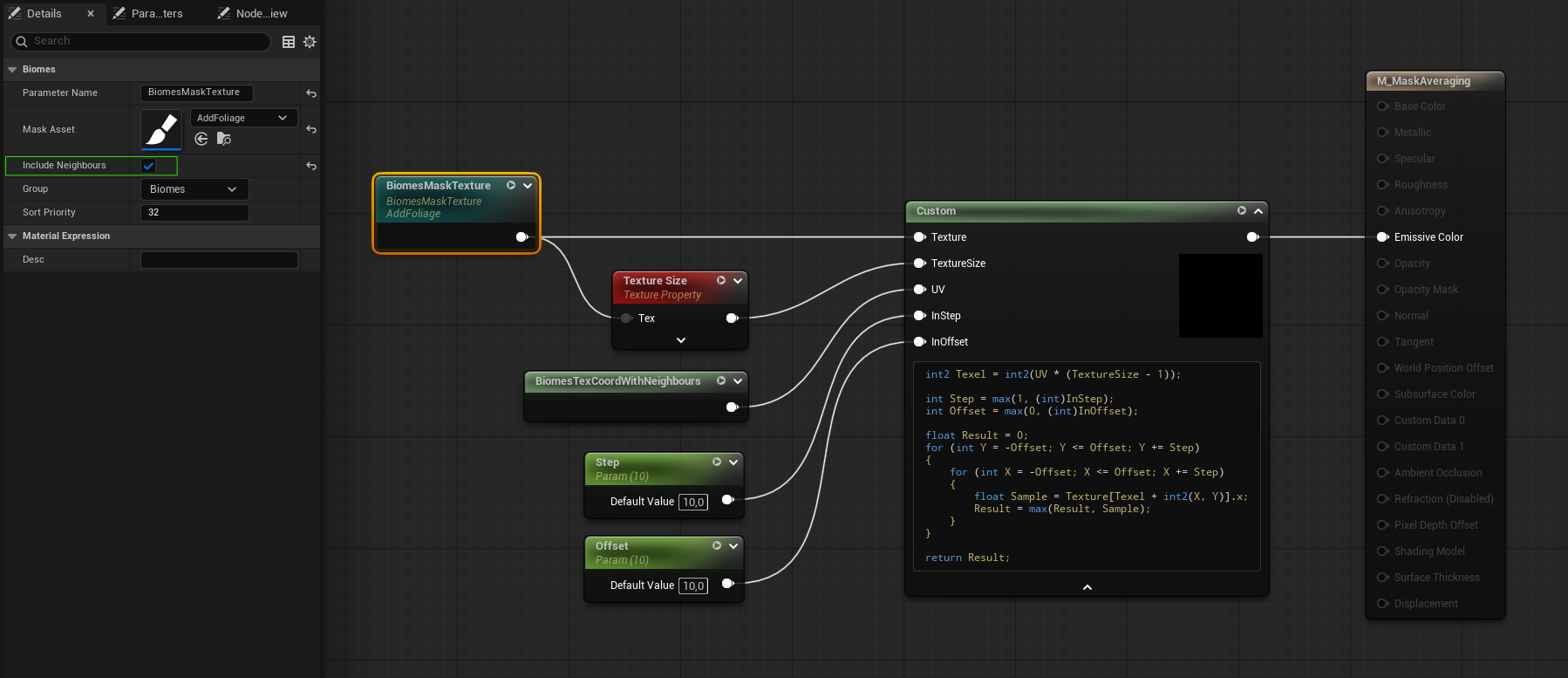
Use the following code in the Custom node:
int2 Texel = int2(UV * (TextureSize - 1));

int Step = max(1, (int)InStep);
int Offset = max(0, (int)InOffset);

float Result = 0;
for (int Y = -Offset; Y <= Offset; Y += Step)
{
    for (int X = -Offset; X <= Offset; X += Step)
    {
        float Sample = Texture[Texel + int2(X, Y)].x;
        Result = max(Result, Sample);
    }
}

return Result;
Offset controls how far around the point to sample. Step controls the spacing between samples and must be a whole number greater than zero.