Connecting Paths
Connecting/Aligning Paths
- Errant Paths 1.1 and later
- Errant Paths 1.0 and prior
The "Connect" button aligns the Paths, however connecting Paths is persistent. If any of the connected Paths is moved, the other connected Paths can be deformed to keep them aligned.
You can connect multiple Paths to a single Path to create an intersection.
Automatic alignment to the connected Path can be disabled in the PathDescription.
To disconnect Paths, click on the connection between them.
The "Align" button causes two selected Paths to become aligned. This means that a pair of closest of the Paths ends are found and one is moved to the other so that their PathSplines are continuous. It's always the first of the selected Paths that becomes deformed in the align process (unless it's an intersection).
The "Connect" button also aligns the Paths, however while alignment affects the Paths once, connecting Paths is persistent. If any of the connected paths is moved, the other connected Paths can be deformed to keep them aligned. You can press "Disconnect" to remove this property.
You can connect multiple Paths to one end of another Path creating some sort of intersection.
Automatic alignment to the connected Path can be disabled in the PathDescription.
Path direction
- Errant Paths 1.2 and later
- Errant Paths 1.1 and prior
Path direction is visualized as arrows on the pink visualization. When connecting Paths, a grey visualization is displayed as well. Displaying Path directions helps prevent mistakes such as connecting Paths backwards and creating a small loop.
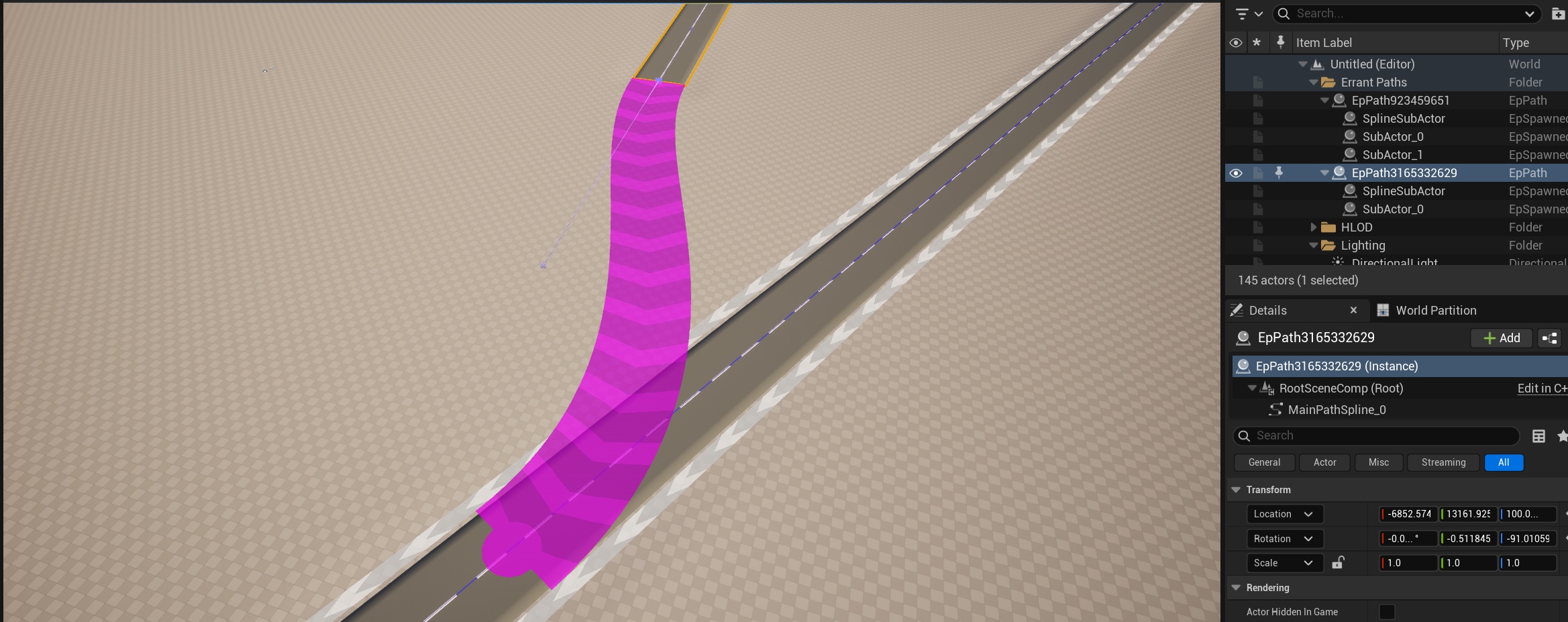
Path direction is not visualized in Errant Paths 1.1 and prior.
Realigning connected Paths
- Errant Paths 1.2 and later
- Errant Paths 1.1 and prior
If two connected Paths have become misaligned for any reason, select them and click the Realign button.
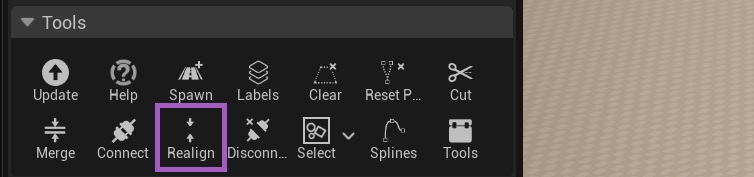
To realign connected Paths that have become misaligned, disconnect and reconnect them.
Offset Paths Connection Point
- Errant Paths 1.2 and later
- Errant Paths 1.1 and prior
After you connected Paths you can offset the connection point between two connected Paths along their splines. This makes it easy to fine-tune where the transition occurs without disconnecting or reshaping either Path.
The feature is not supported in Errant Paths 1.1 and prior.