Priority Conflicts
Brush priority controls the order in which overlapping brushes are blended.
Priority is especially important for order-sensitive blend modes such as Replace, Min, and Max.
See Brush Blending for the general priority workflow.
Errant Landscape provides two Tools-tab actions for finding and fixing priority conflicts.
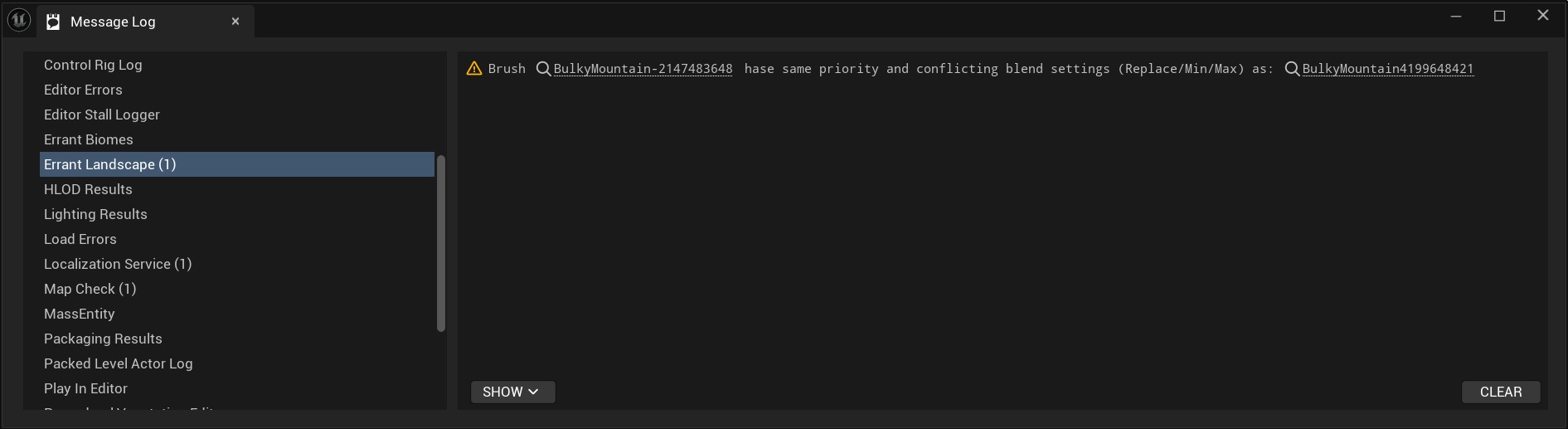
Check for Priority Conflicts
Check for Priority Conflicts scans the registered brushes in the current world and opens the Errant Landscape Message Log when it finds conflicts.
A conflict is reported when overlapping brushes share the same priority and affect at least one matching order-sensitive blend. These conflicts can make the final result depend on ordering that is not obvious from the scene.
Fix Priority Conflicts on Selected Brushes
Fix Priority Conflicts on Selected Brushes works only on selected brushes.
It checks selected brush components and brush actors, then increases their Brush Priority until each selected brush no longer conflicts with overlapping order-sensitive brushes, or until the maximum priority is reached.
This tool changes selected brushes only. It does not automatically rebalance every conflicting brush in the level.